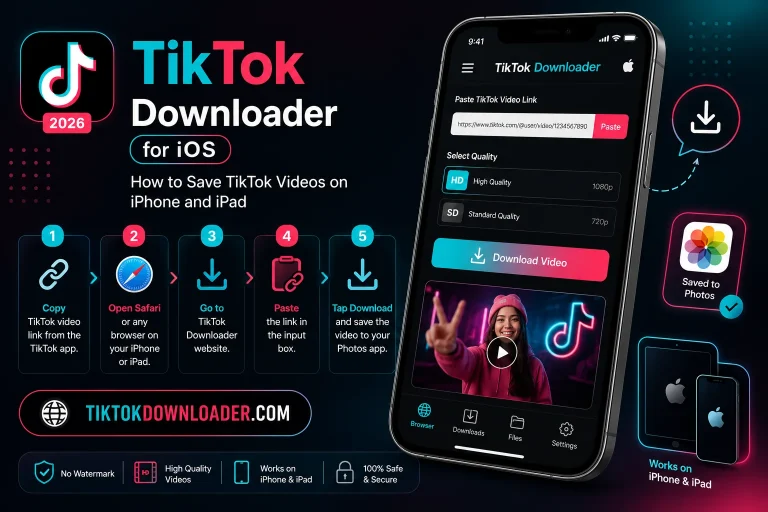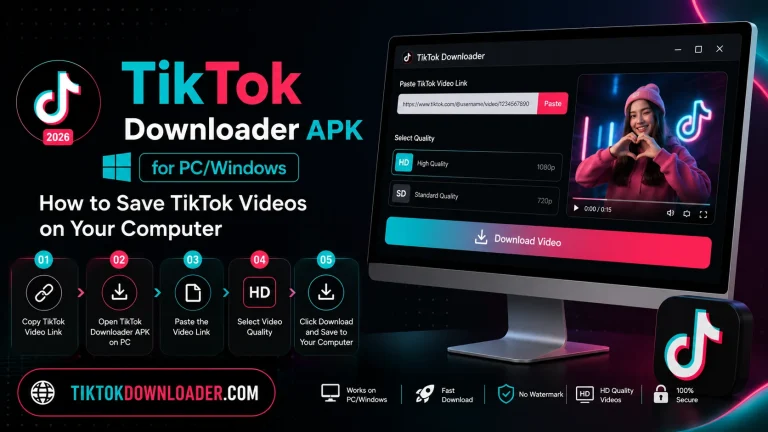
How to Use TikTok Downloader APK: A Complete Step-by-Step Guide
TikTok has become one of the most popular platforms for short-form video content, and many users want a simple way to save their favorite videos for offline viewing. A TikTok Downloader APK makes this possible by allowing you to download TikTok videos directly to your Android device without needing to keep the TikTok app open or stay connected to the internet afterward. In this guide, we’ll walk you through everything you need to know about using a TikTok Downloader APK, from installation to saving your first video.
What Is a TikTok Downloader APK?
A TikTok Downloader APK is an Android application package that lets you save TikTok videos onto your phone or tablet. Unlike browser-based tools, an APK version works as a standalone app, often offering additional features such as batch downloading, watermark removal, and audio extraction. Once installed, it typically works by accepting a shared TikTok video link and converting it into a downloadable file.
Why People Use a TikTok Downloader
There are several common reasons users turn to a TikTok downloader:
- Offline viewing Watch your favorite videos without needing an internet connection.
- Content backup Save videos you love in case they get deleted or made private.
- Creative reuse Store tutorials, recipes, or workout videos for easy reference later.
- No watermark saving Some tools allow you to save a cleaner version without the TikTok logo overlay.
Before You Begin: Things to Know
Before downloading and installing any APK file, keep the following in mind:
- Only download from trusted sources. Since APK files installed outside official app stores aren’t automatically screened, always verify the source before installing.
- Enable installation from unknown sources carefully. Android requires this permission to install APKs outside the Play Store, so only enable it temporarily and disable it again afterward if you prefer extra security.
- Respect content ownership. Downloaded videos should be used for personal, offline viewing. Always credit original creators if you share saved content elsewhere.
- Scan files before installing. Running a quick antivirus scan on any APK file adds an extra layer of safety.
Step-by-Step Guide to Using a TikTok Downloader APK
Step 1: Enable Unknown Sources on Your Android Device
Since APK files aren’t distributed through the Google Play Store, you’ll need to allow installations from outside sources.
- Open your device’s Settings
- Go to Security or Apps & Notifications
- Enable Install Unknown Apps or Unknown Sources for your browser or file manager
Step 2: Download the APK File
Once unknown sources are enabled, download the TikTok Downloader APK file to your device. Make sure the file completes downloading fully before moving to the next step.
Step 3: Install the APK
- Locate the downloaded file in your device’s Downloads folder
- Tap on the file to begin installation
- Review the permissions requested and tap Install
- Wait for the installation process to complete
Step 4: Open the App and Grant Permissions
After installation, open the app. You may be asked to grant permissions such as storage access, which allows the app to save downloaded videos to your device.
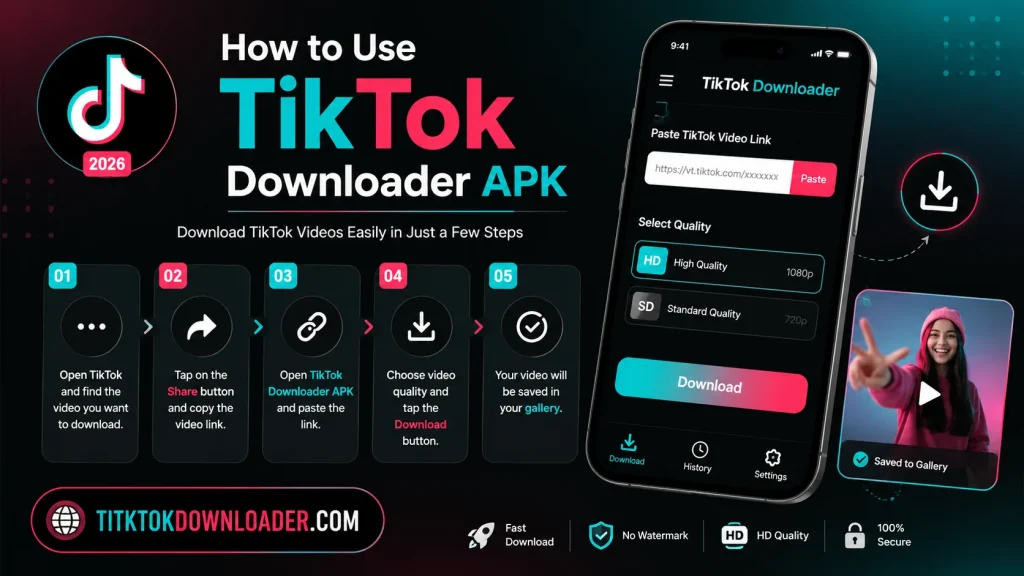
Step 5: Copy the TikTok Video Link
Open the TikTok app, find the video you want to save, tap the Share icon, and select Copy Link.
Step 6: Paste the Link Into the Downloader
Switch back to the downloader app, paste the copied link into the input field, and tap the download or search button.
Step 7: Choose Your Download Options
Depending on the app, you may be given options such as:
- Download with or without watermark
- Save as video (MP4) or audio only (MP3)
- Choose video quality/resolution
Step 8: Save the Video
Tap the download button and wait for the process to finish. Once complete, the video will typically be saved to your device’s gallery or a dedicated folder within the app.
Tips for a Smooth Experience
- Keep the app updated. Since TikTok frequently updates its platform, downloader apps need occasional updates to keep working properly.
- Check your storage space. Videos, especially in higher resolutions, can take up noticeable storage over time.
- Use Wi-Fi when possible. Downloading over Wi-Fi helps avoid using up mobile data, especially for larger files.
- Organize saved videos. Create folders to keep downloaded content organized by category, such as recipes, tutorials, or entertainment.
Common Issues and Troubleshooting
The app won’t install. Double-check that unknown sources are enabled and that you have enough storage space available.
The download fails or gets stuck. This can happen if the video link was copied incorrectly, or if the app needs an update. Try re-copying the link and restarting the app.
The video downloads without sound. Some videos use licensed audio that may be restricted. Try a different video to confirm whether the issue is app-specific.
The app crashes on open. Clear the app’s cache through your device settings, or reinstall the latest version of the APK.
Final Thoughts
Using a TikTok Downloader APK is a straightforward way to save your favorite videos for offline enjoyment, as long as you follow safe installation practices and use the tool responsibly. By enabling unknown sources carefully, downloading only from trusted files, and respecting content creators, you can enjoy a smooth and secure downloading experience every time.
Whether you’re saving a favorite recipe, a workout routine, or a video that simply made your day better, a TikTok downloader gives you the flexibility to keep the content you love close at hand — no internet connection required.