Our free Android app lets you share a TikTok video straight from the TikTok app and save it as MP4 or MP3 to your phone’s Downloads folder. It is small, needs no account, and opens your downloads in one tap. Outside links open in your normal browser, and the Back button moves through pages inside the app.
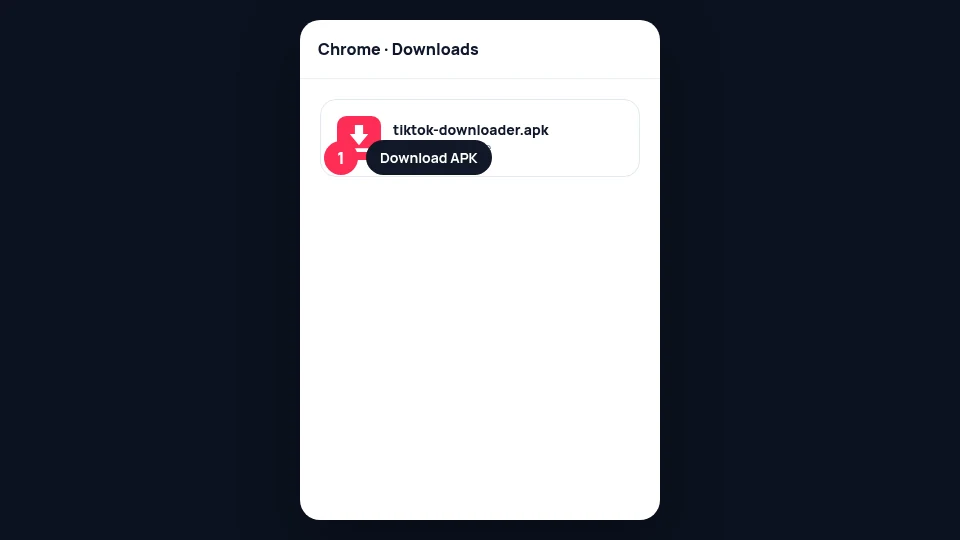
1. Download the APK
On your phone, open this page in Chrome and tap tiktok-downloader.apk. Confirm the download in the notification shade.
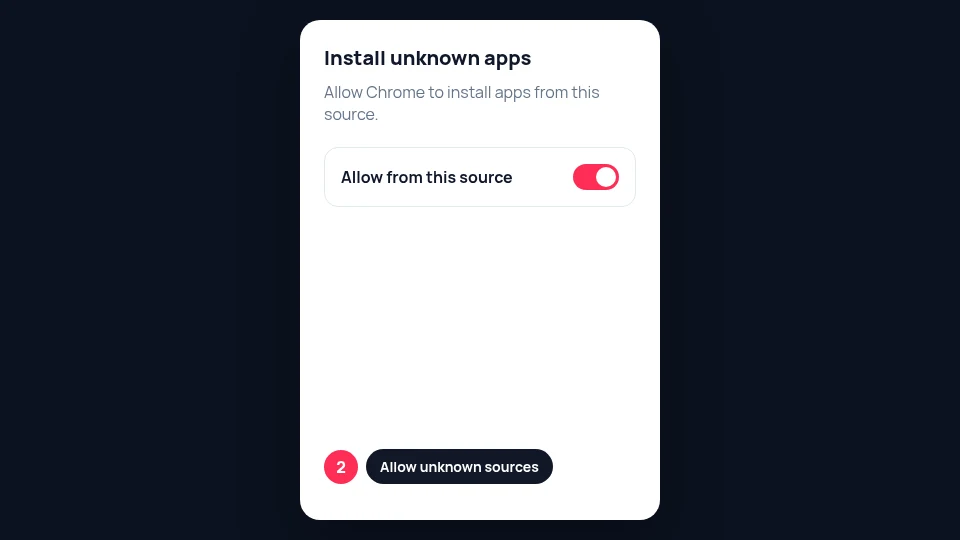
2. Allow install from unknown sources
Android will ask to allow installs from Chrome (or your Files app). Open the prompt, enable the permission for that source, then return to the APK.
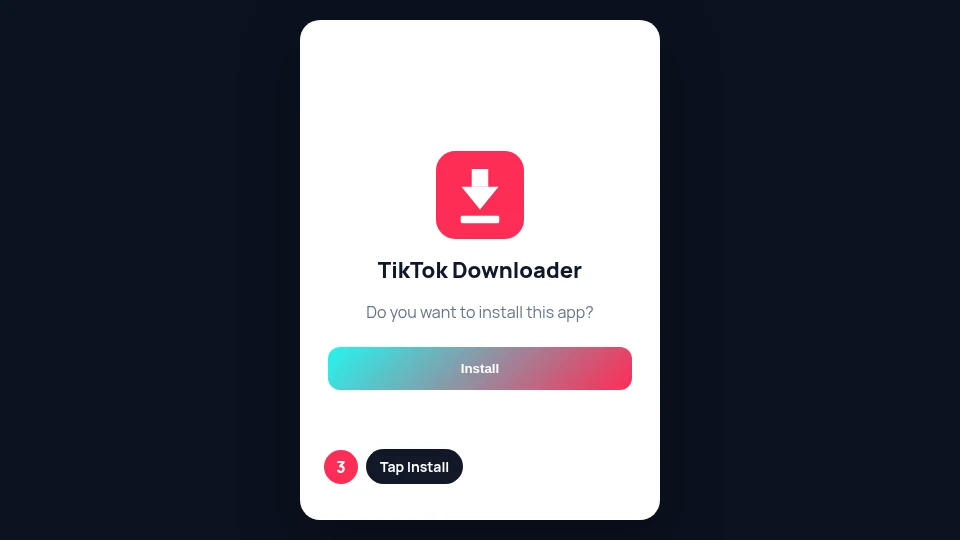
3. Install the app
Open the APK and tap Install. When it finishes, choose Open or find TikTok Downloader in your app drawer.
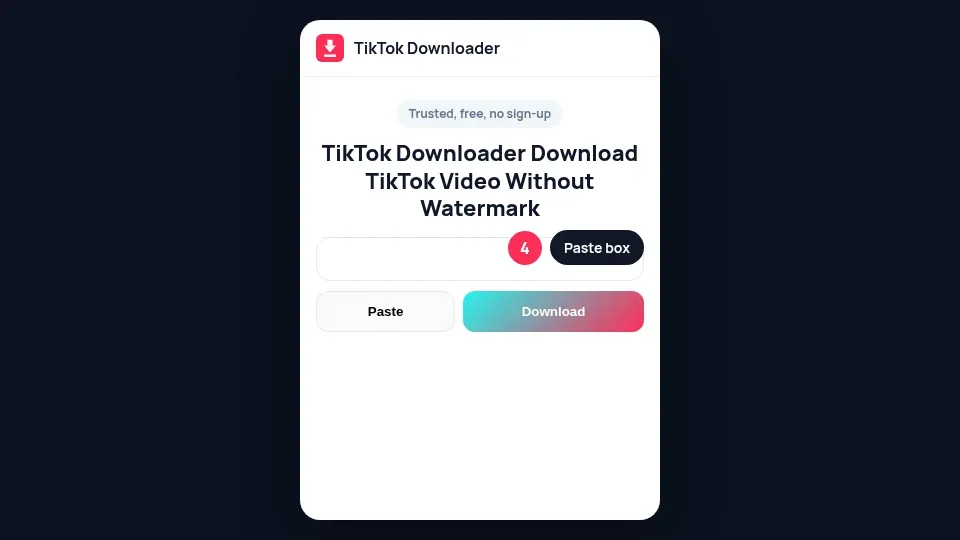
4. Open TikTok Downloader
A short splash shows the site logo, then the homepage loads inside the app. Paste a link the same way you would in mobile Chrome.
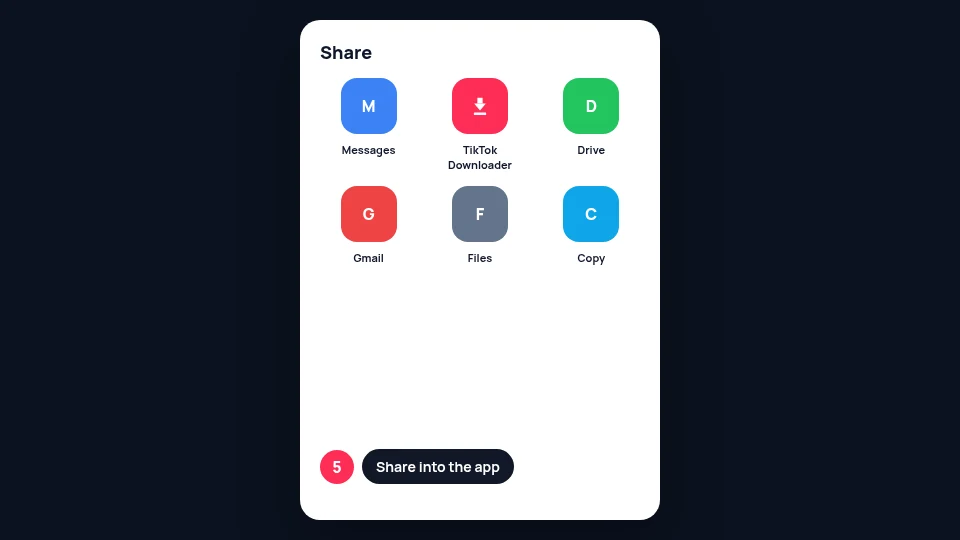
5. Share a TikTok link into the app
In the TikTok app, tap Share, then Share to, then TikTok Downloader (or More and pick our app). The app opens with that link ready so you can save without copying and pasting.
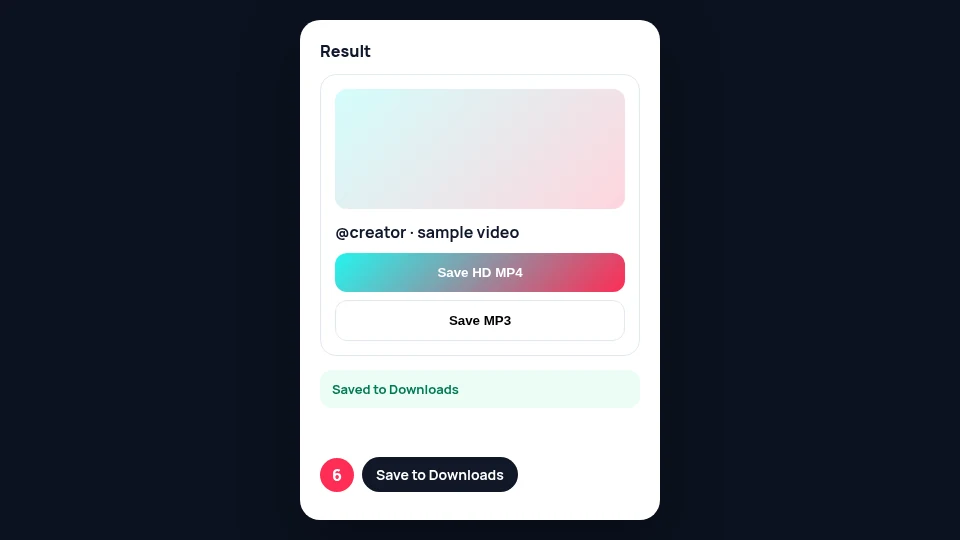
6. Save the video to Downloads
Choose HD MP4, watermarked MP4, or MP3 on the result card. Android saves the file to your Downloads folder and shows a notification when it finishes.
App details
| Detail | Value |
|---|---|
| App name | TikTok Downloader |
| Package name | com.titktokdownloader.app |
| Android versions | Android 7 and newer |
| File type | Signed APK from titktokdownloader.com |
| Account | Not required |
| Where files save | Phone Downloads folder |
Only install the APK from this site. We do not keep a personal download history on your phone beyond the files Android already stores in Downloads.
FAQ
Is this APK on Google Play?
The APK on this page is our direct install build. Play availability may change; always download from titktokdownloader.com.
Install says App not installed. What now?
Uninstall any older TikTok Downloader first (a different signing key blocks upgrades), allow Install unknown apps for Chrome or Files, open the APK again, and if Play Protect warns tap Install anyway.
Why does Android say the app is from an unknown source?
Sideloaded APKs need a one-time allow install permission for Chrome or Files. That is standard Android behavior.
Where do MP4 and MP3 files go?
They go to your phone’s Downloads folder, and Android shows a notification when the save finishes.
How does Share from TikTok work?
Pick TikTok Downloader in the Android share sheet. The app opens with that TikTok link ready to save.
Does the app track me?
The app opens our website with the same privacy policy as the browser. We do not add extra tracking inside the APK.
Not affiliated with TikTok or ByteDance. Only download content you own or have permission to use.