The free browser extension opens titktokdownloader.com with a TikTok link already filled in. Chromium browsers (Chrome, Edge, Brave, Opera) share one ZIP via Load unpacked. Firefox uses a separate MV3 package loaded as a temporary add-on until it is signed on AMO. Downloads still happen on the website so formats, captions, and batch tools stay identical to the browser experience.
Supported browsers
- Chrome:
chrome://extensions→ Developer mode → Load unpacked. - Microsoft Edge:
edge://extensions→ Developer mode → Load unpacked (same Chromium ZIP). - Brave:
brave://extensions→ Developer mode → Load unpacked (same ZIP). - Opera:
opera://extensions→ Developer mode → Load unpacked (same ZIP). - Firefox: separate Firefox ZIP via
about:debugging→ This Firefox → Load Temporary Add-on. Temporary until signed on AMO.
1. Download the ZIP
Pick your browser button above (Chrome, Edge, Brave, Opera, or Firefox). Chromium browsers share the same package with per-browser filenames; Firefox uses its own ZIP. Keep the ZIP where you can find it (Downloads is fine).
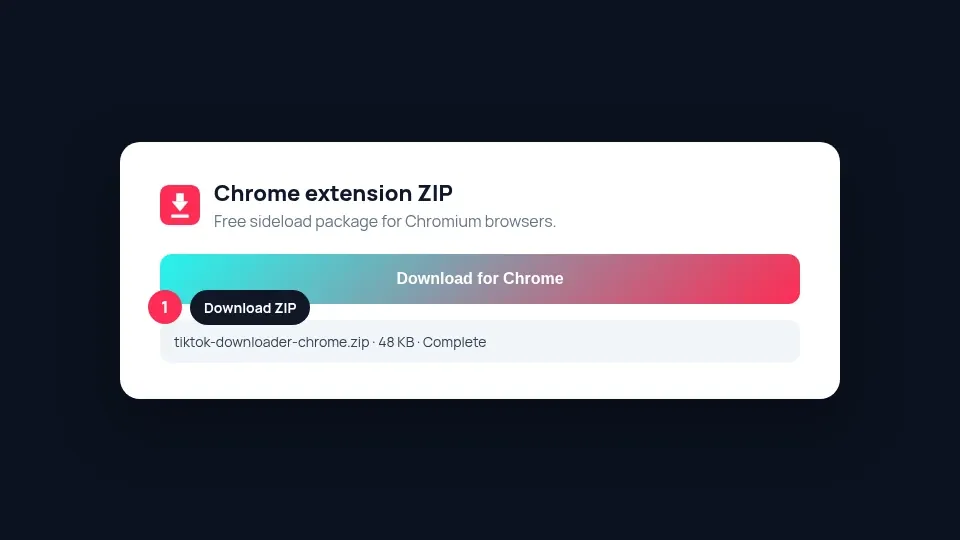 Step 1: download the matching ZIP for your browser.
2. Unzip the package
Extract the ZIP into a permanent folder (for example Documents/tiktok-downloader-extension). Chromium must keep reading that folder, so do not delete it after install. For Firefox temporary loads you also select manifest.json inside the unzipped folder.
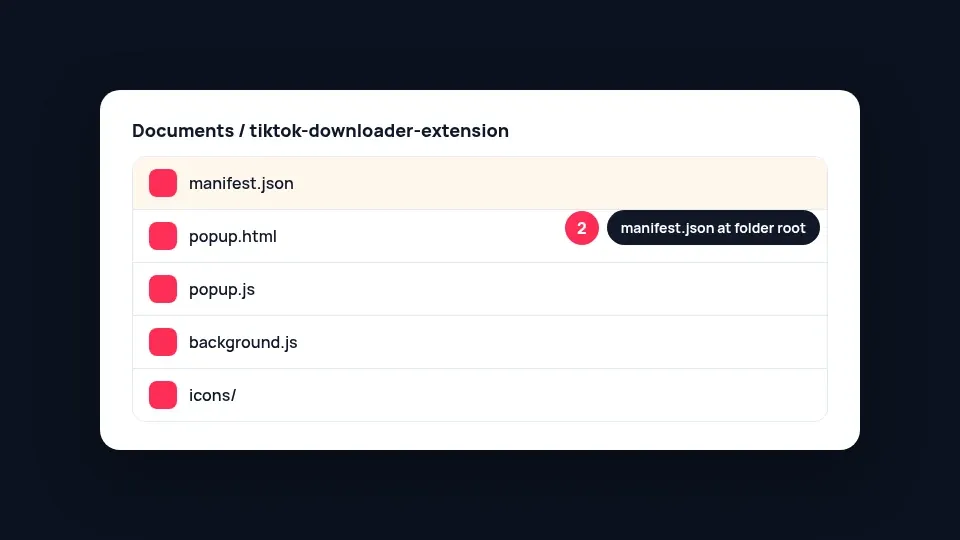 Step 2: unzip so manifest.json sits at the folder root.
3. Install in Chrome, Edge, Brave, or Opera
Open the extensions page for your browser:
- Chrome:
chrome://extensions - Edge:
edge://extensions - Brave:
brave://extensions - Opera:
opera://extensions
Toggle Developer mode on, click Load unpacked, then select the unzipped folder that contains manifest.json.
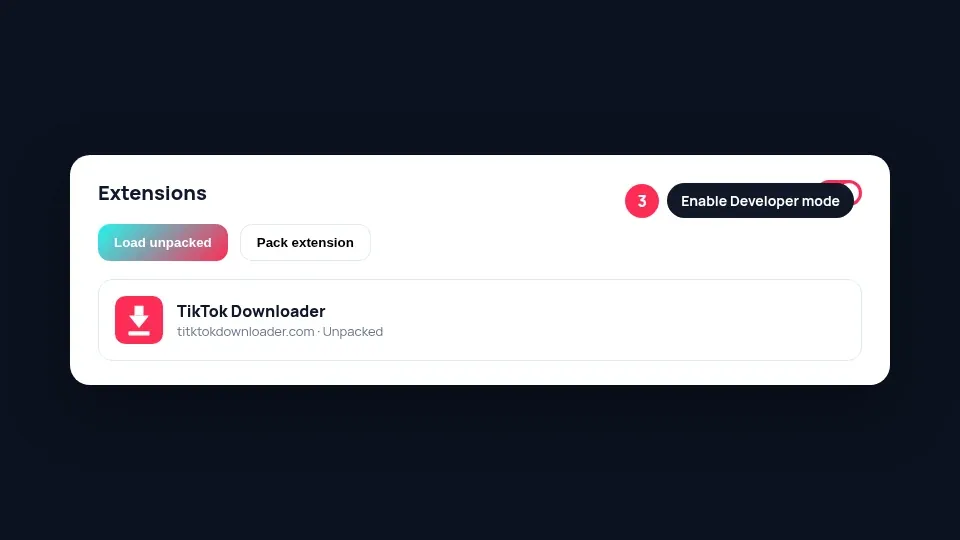 Step 3: enable Developer mode, then Load unpacked.
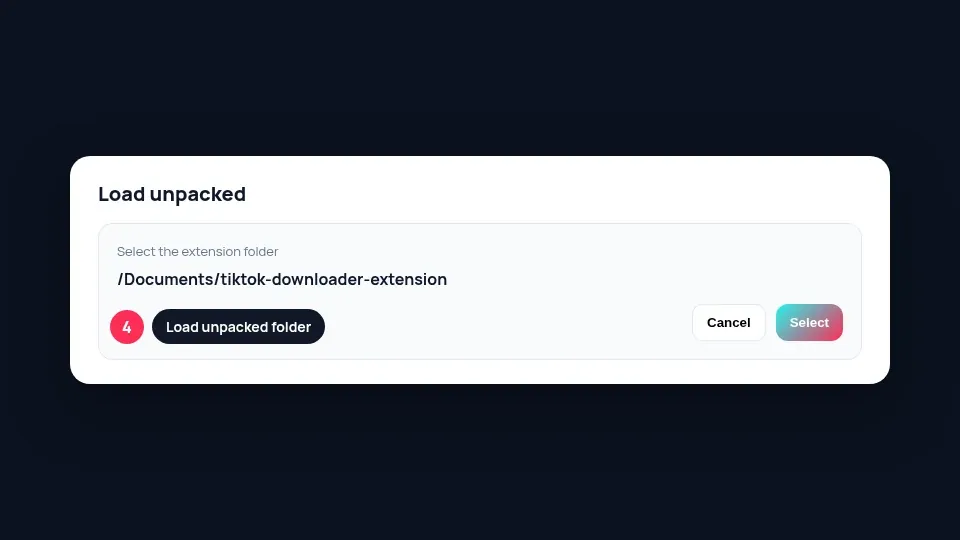 Step 4: choose the extension folder.
4. Install in Firefox (temporary add-on)
Firefox cannot permanently sideload unsigned MV3 add-ons the same way Chromium does. Until the package is signed on addons.mozilla.org (AMO):
- Download and unzip tiktok-downloader-firefox.zip.
- Open
about:debugging#/runtime/this-firefox. - Click Load Temporary Add-on… and select
manifest.jsonin the unzipped folder.
5. Pin the icon
Open the extensions / puzzle menu in the toolbar and pin TikTok Downloader so the icon stays visible.
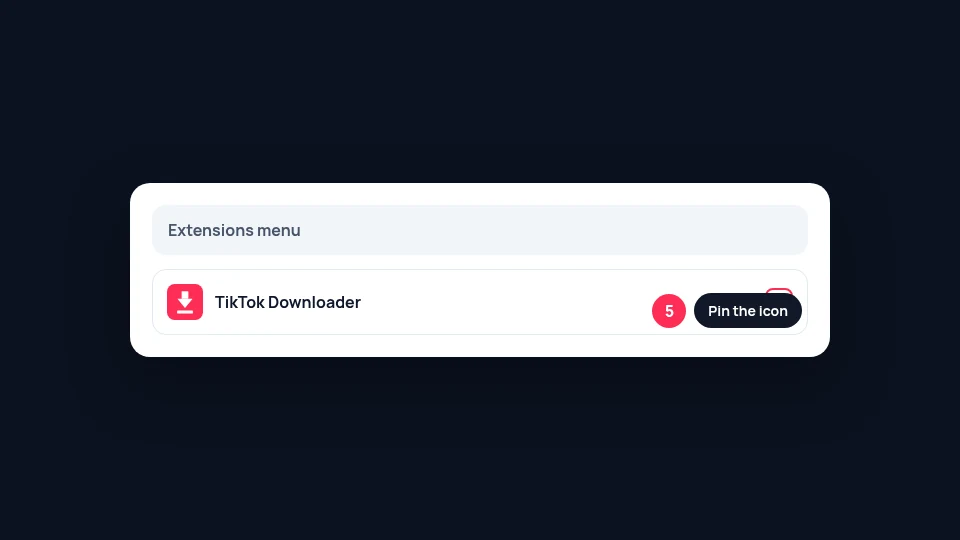 Step 5: pin the icon for one-click access.
6. Use it on a TikTok video
Open a public TikTok video tab, click the extension icon, then Download. Or paste any TikTok or Douyin link into the popup. Our site opens with your link ready so you can save right away. On TikTok video pages, a Download button also appears near the share actions.
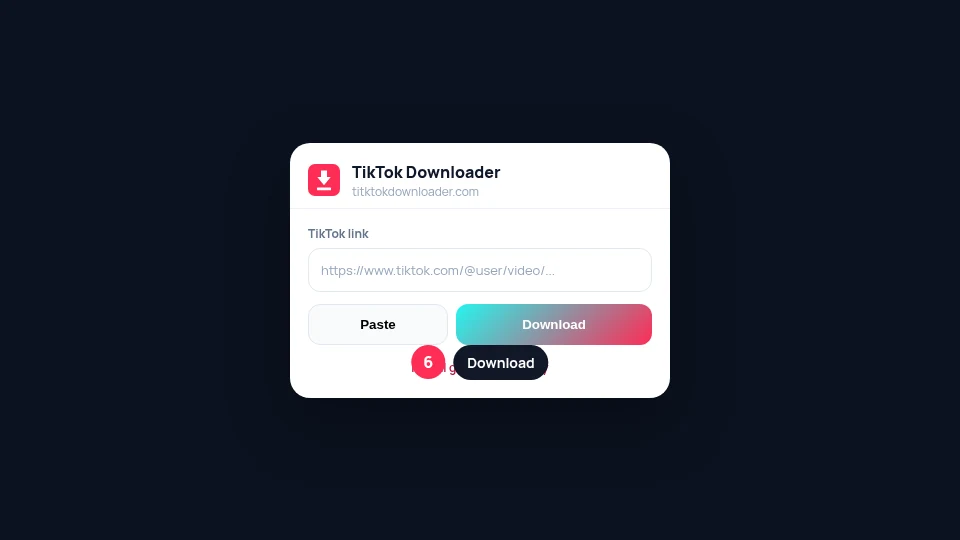 Step 6: paste a link or send the active TikTok tab to the site.
What the extension does (and does not)
- Opens our site with your link Same HD MP4, MP3, photos, and captions as the website.
- No tracking add-ons The extension only needs access to the current tab, a right-click menu, and TikTok pages for the on-page button.
- Not a silent background downloader You always confirm formats on the website before saving.
FAQ
Is the extension on the Chrome Web Store or AMO?
Not yet. Chromium browsers install via Load unpacked from our ZIP. Firefox uses Load Temporary Add-on until an AMO-signed build is published.
Which ZIP do I need?
Chrome, Edge, Brave, and Opera each get a Chromium ZIP (same package, named per browser). Firefox needs tiktok-downloader-firefox.zip.
Does the extension download files itself?
No. It opens titktokdownloader.com with your link. You pick HD MP4, MP3, or photos on the site.
Why does Developer mode matter?
Load unpacked requires Developer mode in Chromium browsers. That is normal for sideloaded extensions.
Why does Firefox remove the add-on after quit?
Temporary add-ons are cleared when Firefox exits. Reload from about:debugging until the package is AMO-signed.
Can I remove it later?
Yes. Open your browser extensions page and Remove the TikTok Downloader card, or turn it off.